Wink Stock

Keep stock in step with sales

Track ingredients, counts, transfers, waste, and purchases. Get reorder alerts before essential stock runs low.
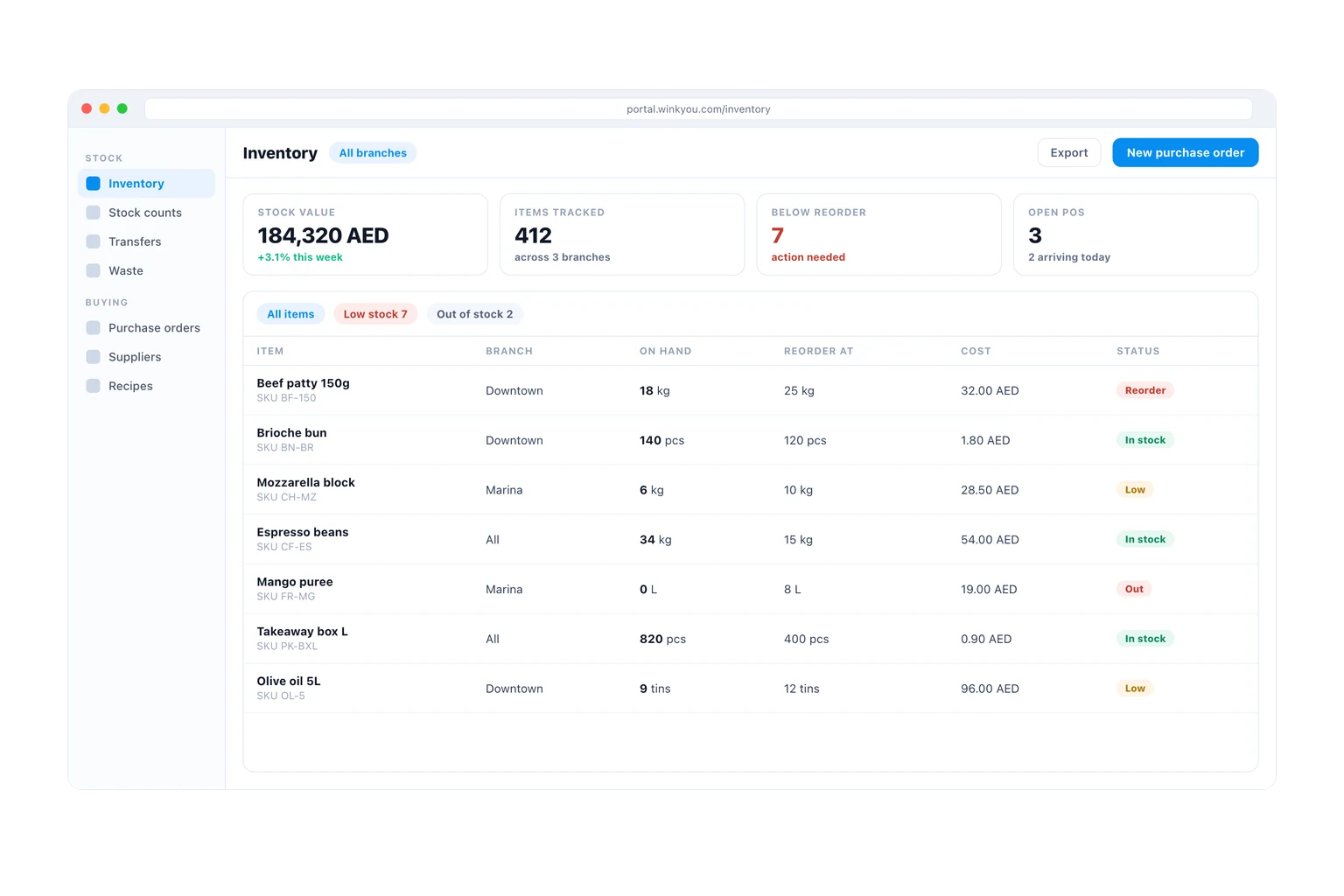
The inventory screen on a desktop, showing stock value, the count of items below their reorder level, and a table of stock on hand per branch with reorder tags.
Available on
  • Web admin
  • iPhone and Android

Every product is included in every plan. No modules, no upgrades.

Wink Stock tracks what you hold and what it cost you. Selling a finished item draws down its ingredients through its recipe, so the shelf and the sale never disagree, and every movement is written to a ledger you can read back: sales, counts, transfers between branches, waste and receipts from a purchase order. When a line drops below its level it raises a reorder alert, which becomes a purchase order to a supplier, which becomes stock again when it is received.
What you get

  • Recipes draw down ingredients automatically when a dish is sold.
  • Every movement is on a ledger, so a discrepancy has a history.
  • Reorder alerts before you run out, not after.
  • Purchase orders to suppliers, received back into stock.
  • Counts and transfers between branches without a spreadsheet.
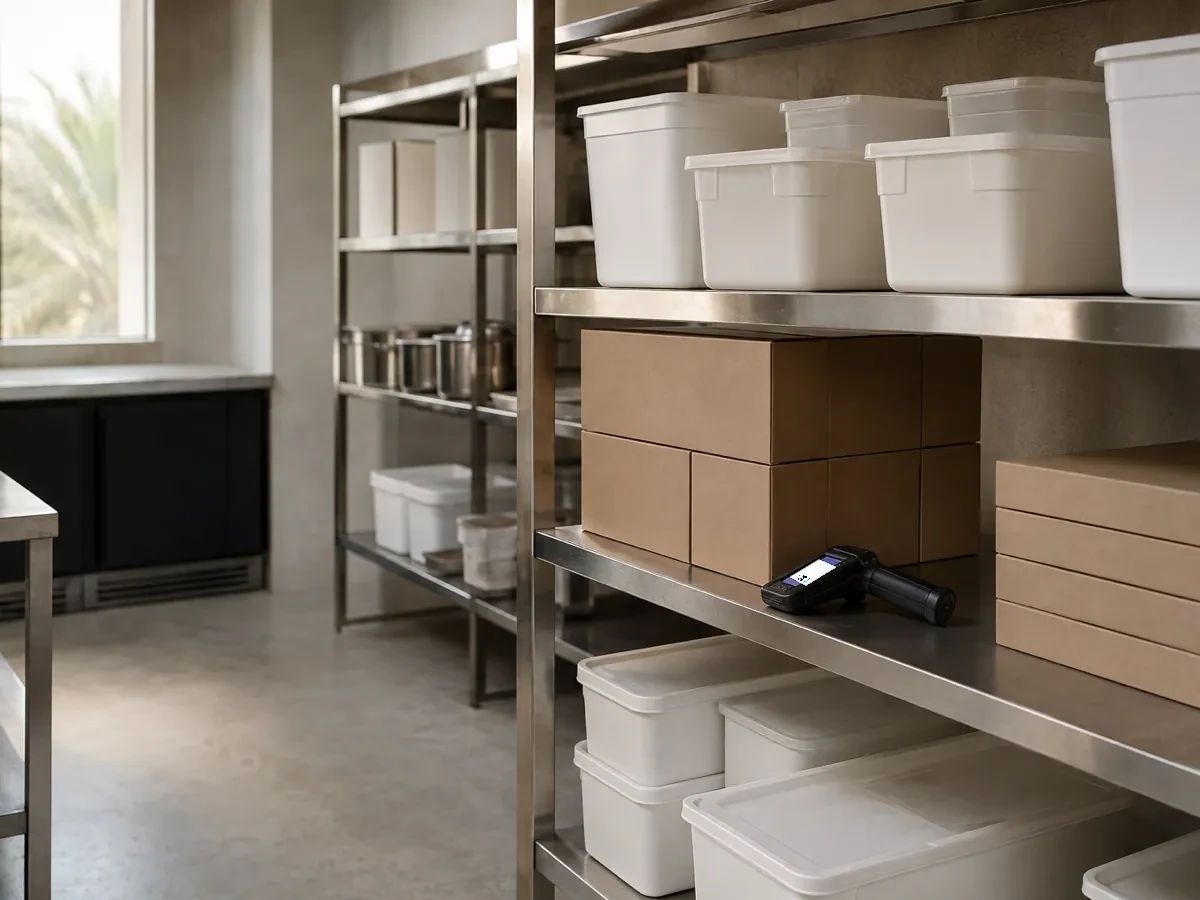
A tidy restaurant stockroom with steel shelving, plain containers and a handheld scanner.
Everything in Wink Stock, all 24

Stock

  • Inventory items with units and conversions
  • Stock movement history for every item
  • Fractional stock for weight based items
  • Low stock view and configurable thresholds
  • Stock check from inside the POS
  • Per-branch availability overrides

Counting and moving

  • Stock takes with expected versus counted variance
  • Transfers between branches
  • Wastage logs with a reason
  • Recipes linking a dish to its ingredients
  • Automatic depletion on sale

Alerts and reporting

  • Low stock email to the team
  • Back-in-stock notification to waiting customers
  • Product sales report driving reorder decisions
  • Stock valuation feeding the accounts

Purchase orders

  • Create a purchase order with line items and costs
  • Send the order to the supplier by email
  • Receive fully or partially against stock
  • Order status tracking through to closed
  • Cost captured for margin reporting

Suppliers

  • Supplier directory with contact details
  • Supplier portal with its own login
  • Order history per supplier
  • Platform level supplier directory for HQ

Wink Stock questions

Does stock work for a restaurant and for a shop?

Yes, in the way each needs. A restaurant tracks ingredients behind recipes, a shop tracks the item on the shelf and its variants. Both draw from the same ledger and both raise the same reorder alerts.

What happens when a count does not match?

The difference is posted as its own movement with a reason and the name of whoever counted, rather than silently overwriting the number, so a pattern of shrinkage is visible instead of hidden.

Ready to see how it works?

Contact us and we will show you a demo that fits your restaurant or shop. No commitment.

Contact

Tell us what you run

Send a message or reach us on WhatsApp. We will show you the right setup for your restaurant or your store.


Email Address
info@winkyou.com
Based in
UAE, serving the GCC