Wink Team

Schedule your team. Track every shift.

Manage roles, schedules, face-verified attendance, and hands-free team calls across the branch.
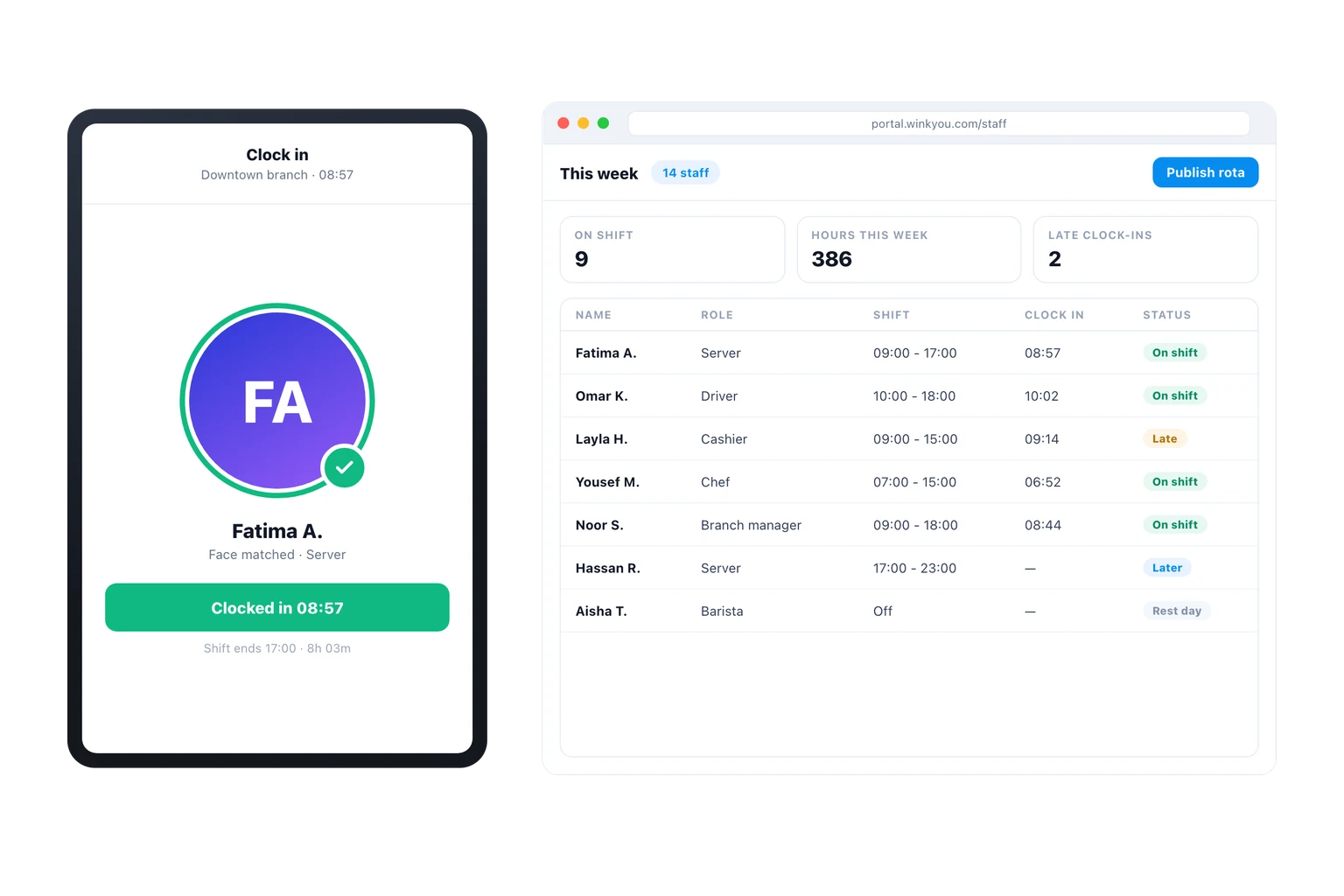
A wall tablet showing a staff member clocked in after a face match, beside the weekly rota on a desktop listing each person, their shift and whether they are on time.
Available on
  • Web admin
  • Clock-in tablet
  • iPhone and Android

Every product is included in every plan. No modules, no upgrades.

Wink Team covers the people side. Each person gets an account with a role that decides exactly which screens and actions they can reach, a rota that says when they work, and a clock-in that ties the shift to a real person: the tablet at the back door takes a photo and matches it against the enrolled reference, so a PIN cannot be handed to a colleague. Those photos are private files, held in an encrypted store and reachable only through a short-lived link after a role check, never on the public image domain.
What you get

  • A role decides what each person can open, down to the action.
  • Clock-in checks a face, so a shared PIN cannot cover for a no-show.
  • Attendance photos are private, signed for viewing, never public.
  • Hands-free voice across the branch, without a radio to buy.
  • Hours worked feed the reports, so labour cost sits beside sales.
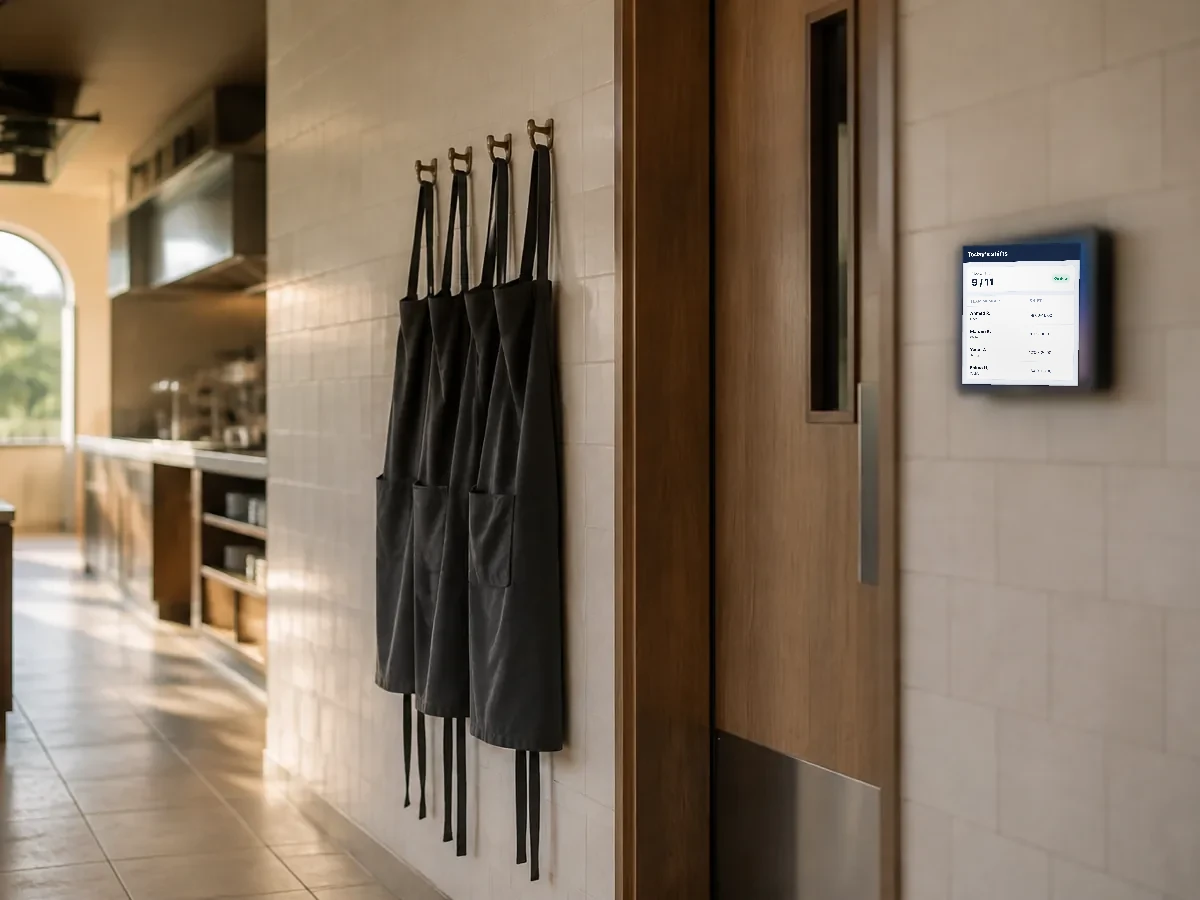
A back of house corridor before opening, aprons on hooks and a wall tablet by the door.
Everything in Wink Team, all 25

People and access

  • Staff records with roles and branches
  • Roles for admin, branch manager, cashier, waiter and kitchen
  • A restricted gate role for event check-in
  • PIN login on shared POS and kitchen devices
  • Manager approval on sensitive actions
  • Staff welcome and role changed emails

Time and shifts

  • Employee shift scheduling
  • Clock in and out with an attendance photo
  • Attendance media kept in a private vault
  • Shift close report per register session

Communication

  • Branch announcements
  • Internal team chat
  • Station voice channels for the line
  • Presence and signals per branch
  • Global announcement popup across the apps

Clocking in

  • A tablet at the staff entrance, in a browser
  • Enrol a reference photo once, per person
  • Clock in and out against that face, not a shared code
  • Photos held in the private encrypted vault, never the public CDN
  • Viewing a photo needs a role check and a short-lived link
  • Hours worked flow into the reports and the ledger

Talking across the branch

  • Push to talk between staff in the same branch
  • See who is on and available right now
  • Signals from the floor to the kitchen and back
  • Runs on the phone already in their pocket

Wink Team questions

Where are the attendance photos stored?

In a private encrypted store with no public address at all. Nothing in it can be opened by guessing a URL: the system mints a link that expires in minutes, and only after checking that the person asking holds a role allowed to see it.

Can I limit a cashier to the till only?

Yes. Permissions are per role and per action, so a cashier can take payment and be unable to open reports, edit prices, void a paid order or see another branch.

Ready to see how it works?

Contact us and we will show you a demo that fits your restaurant or shop. No commitment.

Contact

Tell us what you run

Send a message or reach us on WhatsApp. We will show you the right setup for your restaurant or your store.


Email Address
info@winkyou.com
Based in
UAE, serving the GCC