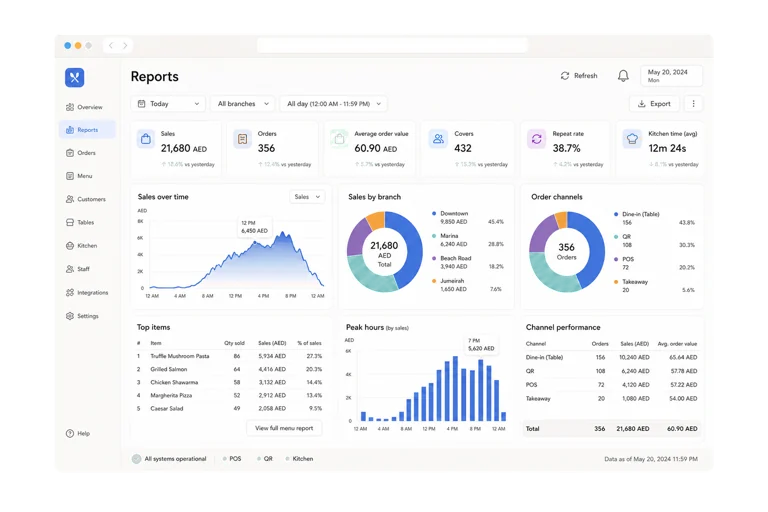
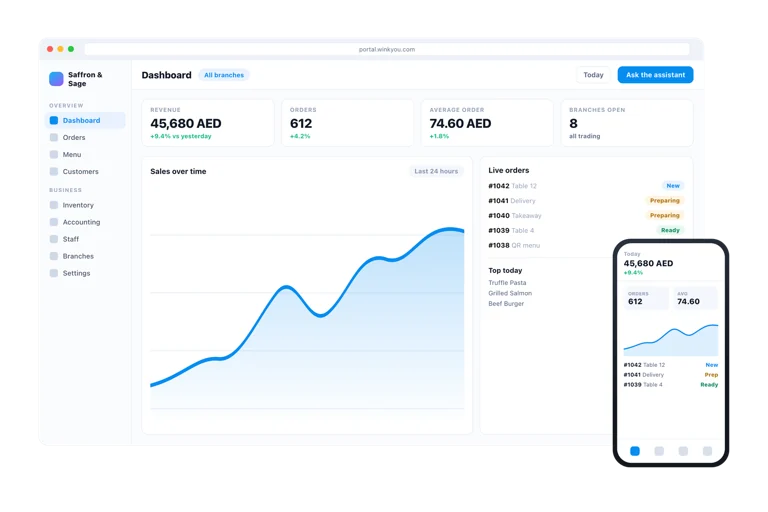
Every product is included in every plan. No modules, no upgrades.
Wink Grow is everything that turns a first visit into a second one. It holds the price rules that run a promotion, the loyalty programme that earns and redeems, the wallet pass that sits on a customer’s phone and updates itself, the campaigns you send, and ticketed events from setting up the occasion through selling seats to scanning people in at the door. It reads the same customer record as the till and the store, so a regular is a regular everywhere.
What you get
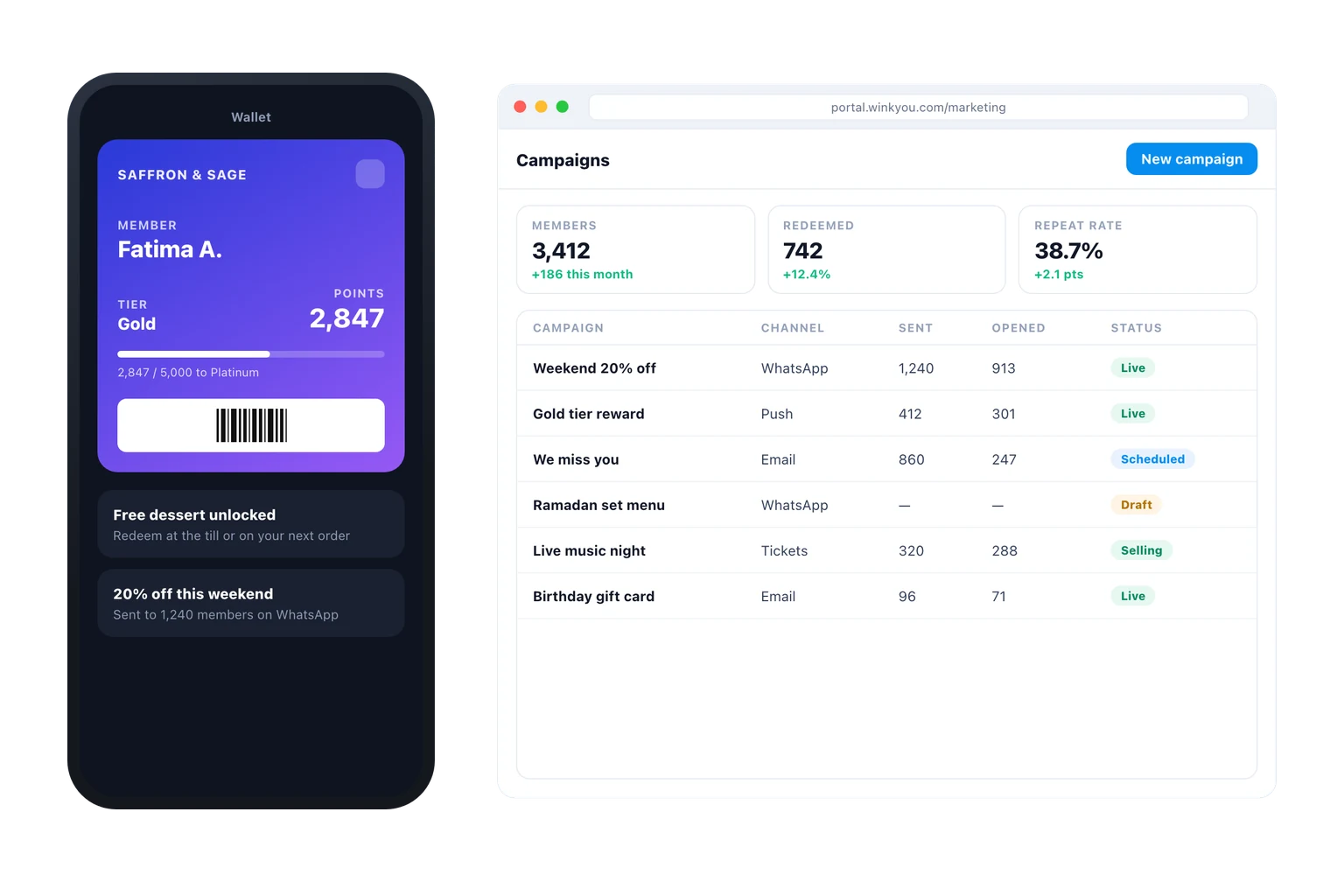
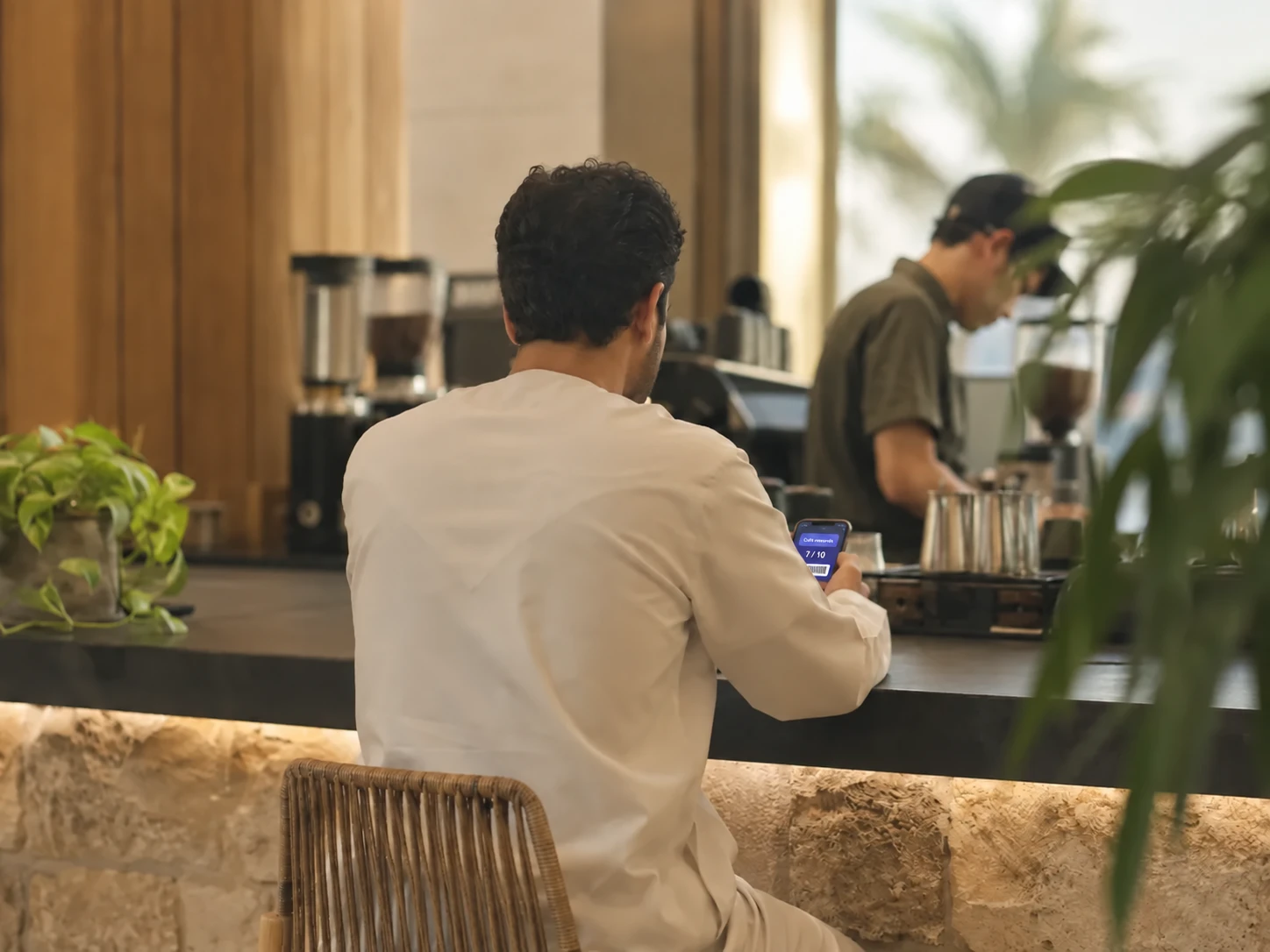
A loyalty pass that lives in Apple Wallet and updates on its own.
Discounts, promo codes and happy-hour rules, scheduled in advance.
Reach customers on WhatsApp, email and push from one place.
Sell tickets to an event and scan them at the door.
One customer record shared with the till, the menu and the store.
Everything in Wink Grow, all 47
Price rules
Discount rules by amount or percentage
Promo code campaigns with usage limits
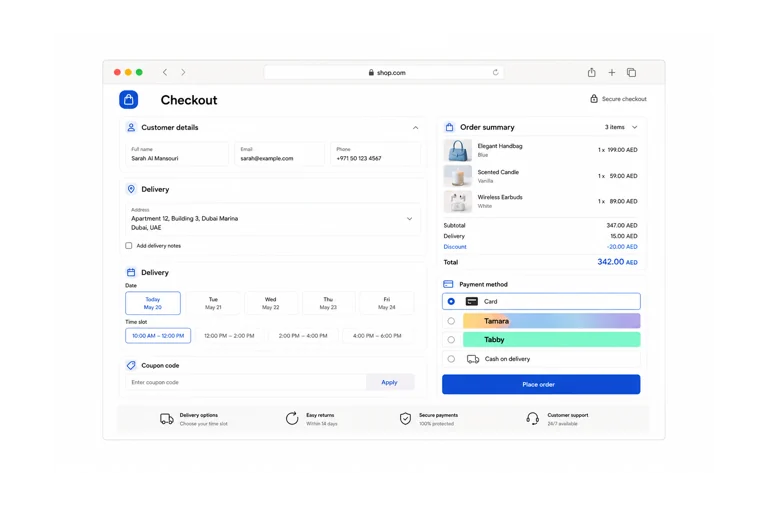
Shop coupons applied at checkout
Happy hour windows with their own pricing
Per-branch and per-product targeting
Combo and bundle pricing
Merchandising
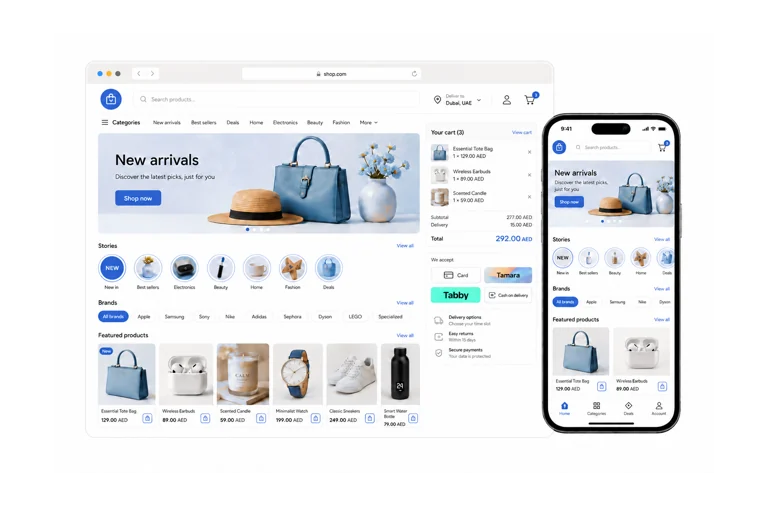
Banner carousels on the menu and the storefront
Promo popups with a countdown
Stories with media upload and reactions
Product rails and featured collections
Newsletter capture on the storefront
Reaching customers
Marketing campaigns to your customer list
Push notification campaigns and subscriptions
Abandoned cart recovery emails
Back-in-stock notifications
Feedback and review request emails
Email preferences and unsubscribe handling
Earning and tiers
Loyalty programmes with configurable earn rules
Tier levels with their own multipliers
Points earned on POS, QR and online orders alike
Full transaction history per customer
Stamp cards as an alternative to points
Rewards and redemption
Reward catalogue with cost in points
Redeem at the POS during a sale
Redeem in the online store at checkout
Free item, fixed amount and percentage rewards
Welcome, points earned and reward ready emails
The wallet pass
Apple Wallet loyalty pass with your branding
Google Pay pass for Android customers
Balance updated by push, not on next visit
Pass design presets and a live preview in the admin
Issue a pass from the QR menu sign-up
Setting up an event
Event records with dates, venue and capacity
Ticket types and price tiers
Seat maps and allocated seating
Sales windows and availability
Bilingual event content
Selling and admitting
Consumer ticket purchase flow
Seat holds backed by a unique index
Ticket delivery with a scannable code
Gate check-in app with a dedicated staff role
Duplicate scan detection
After the event
Cancel a single ticket with a refund
Cancel the event and mass refund every holder
Failed refunds tracked for follow-up
Ticket sales and revenue reporting
Platform console for the whole ticketing operation
Wink Grow questions
Do customers need an app to collect loyalty points?
No. Points are attached to the customer record at the till or at checkout. The Apple Wallet pass is offered on top for customers who want the card on their phone, and it refreshes itself when the balance changes.
What do I need to scan tickets at the door?
A phone with a camera and a browser. The door scanner is a web page that a staff member signs into, picks the occurrence, and scans. It tells them plainly whether to let the person in, and it refuses a code that has already been used.