Wink POS

Point of sale that works offline

Take orders, split bills, and accept cash, cards, gift cards, or store credit from one till.
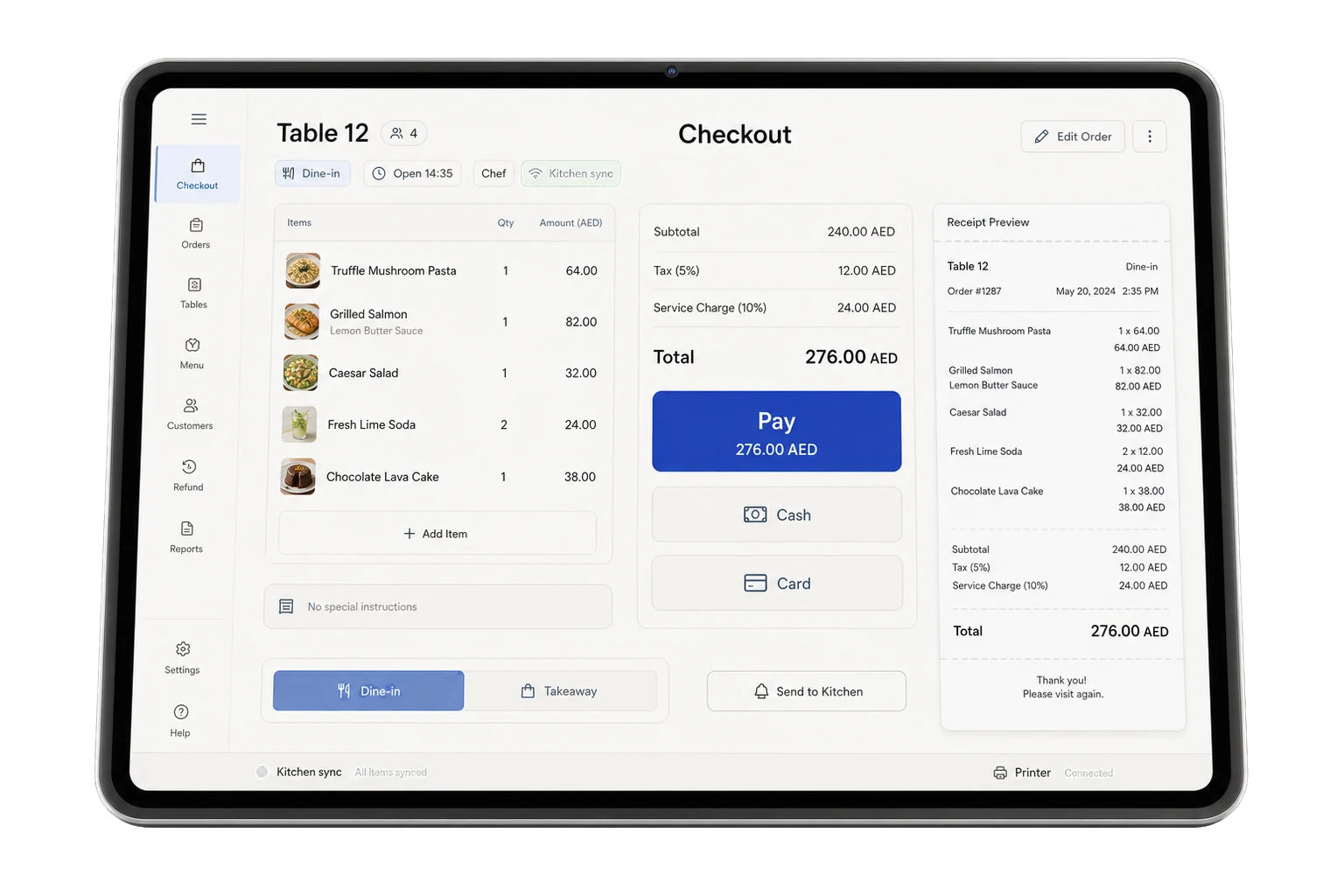
The Wink You point of sale on a tablet, showing an open table with its itemised bill, the total, cash and card payment buttons, and a receipt preview.
Available on
  • Web browser
  • iPhone and iPad
  • Android
  • Windows

Every product is included in every plan. No modules, no upgrades.

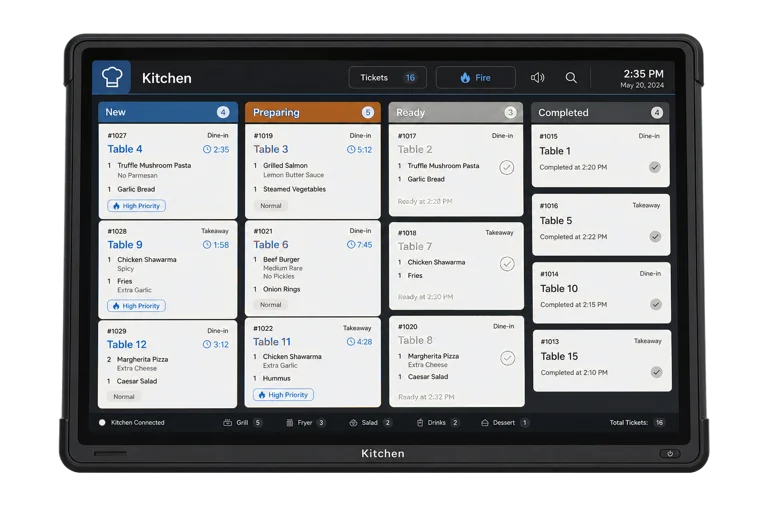
Wink POS runs in a browser or as a native app on iPhone, iPad and Android, so you bring your own hardware instead of buying a locked terminal. It queues orders on the device when the connection drops and syncs them the moment it returns, prints to thermal receipt printers, pushes the live cart to a customer facing second screen, and sends every dine-in ticket straight to the kitchen display.
What you get

  • Works offline. Orders queue on the device and sync automatically.
  • Take our hardware, or use your own. Any tablet, phone or computer with a browser works.
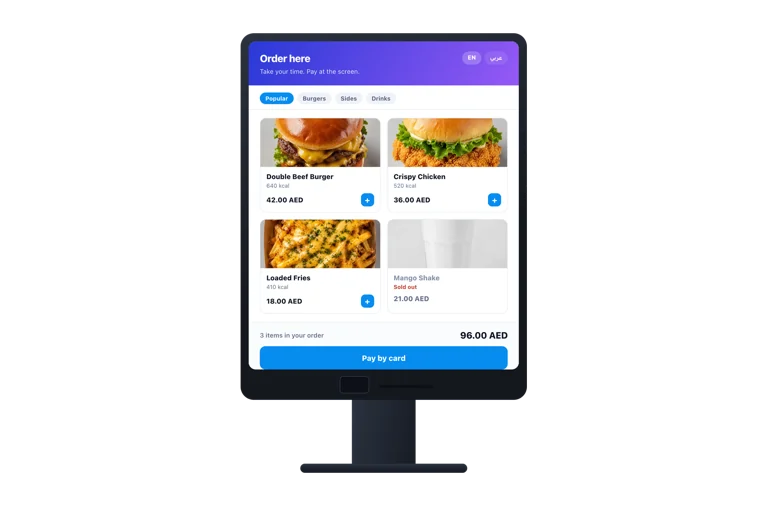
  • The customer sees their own order on a second screen as it is rung up.
  • One transaction can mix cash, card, gift card and store credit.
  • The drawer balances at close, and a short count is attributed to a shift.
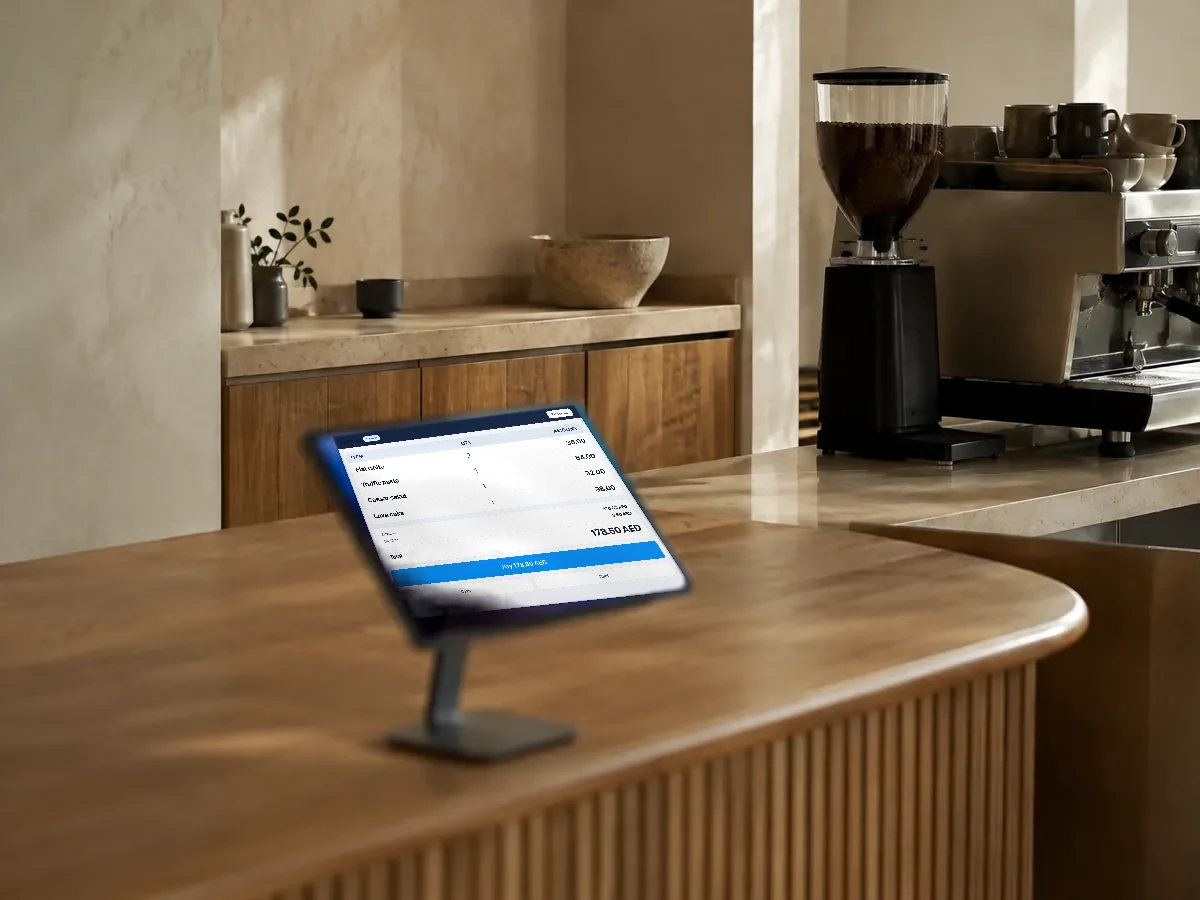
The service counter of a modern cafe, a tablet on a stand in the foreground.
Everything in Wink POS, all 43

Ordering and cart

  • Product grid with categories, search and images
  • Modifier and add-on customiser per item
  • Combo meals and bundled items
  • Order notes and kitchen instructions
  • Held and parked orders you can resume later
  • Active orders tray with detail and actions
  • Void a line or a whole order, with a reason
  • Order level and line level discounts
  • Weight based items priced per unit
  • Guard that blocks closing with an unpaid order open

Payments

  • Cash with a change calculator
  • Card terminal payments
  • Split payments across several methods or several guests
  • Gift card redemption at the till
  • Store credit and customer balance
  • Refunds, full or partial, back to the original method
  • Tips, including tips taken on the customer display

Cash management

  • Open and close register sessions per shift
  • Denomination counter for the cash count
  • Petty cash in and out with a category
  • Shift close report with expected versus counted
  • Manager PIN approval on sensitive actions
  • Multiple registers and POS stations per branch

Dine-in and floor

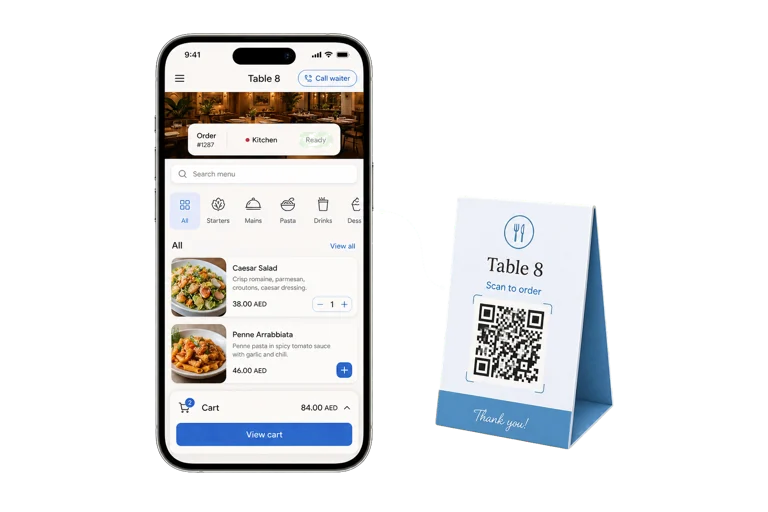
  • Table selector tied to the floor plan
  • Table sessions that accumulate rounds into one bill
  • Reservations visible from the till
  • Waiter call alerts from the table
  • Routing of each ticket to the right kitchen station

Hardware and devices

  • Thermal receipt printing with your logo
  • Kitchen ticket printing per station
  • Customer facing second screen
  • Device setup and pairing per terminal
  • Barcode friendly product lookup

The screens

  • Pairing screen to bind the display to a POS station
  • Idle attract screen with your branding
  • Live order screen mirroring the cashier cart
  • Payment prompt and confirmation
  • Tip selection screen
  • Thank you screen after the sale

How it connects

  • Dedicated realtime transport synced to the POS
  • Own state machine so a reload never loses the sale
  • Runs on any spare tablet or monitor
  • Status indicator showing the pairing is live

Wink POS questions

Does the POS work without internet?

Yes. Orders are written to the device and queued, and the queue drains automatically when the connection returns. You keep selling through an outage and nothing is lost.

Do I have to buy your hardware?

You choose. We supply the hardware if you want it set up and ready: terminal, receipt printer, cash drawer and card reader. You are never locked to it, because Wink POS also runs in any modern browser and as a native app on iOS and Android, so an iPad or Android tablet you already own works just as well.

Can two people work the same order?

Yes. Orders are held on the server, not on one device, so a waiter can open a table on a phone and a cashier can close it at the counter.

Ready to see how it works?

Contact us and we will show you a demo that fits your restaurant or shop. No commitment.

Contact

Tell us what you run

Send a message or reach us on WhatsApp. We will show you the right setup for your restaurant or your store.


Email Address
info@winkyou.com
Based in
UAE, serving the GCC