Wink Kitchen

Every order on the right kitchen screen

Route tickets to each station, track preparation time, and tell the floor when food is ready.
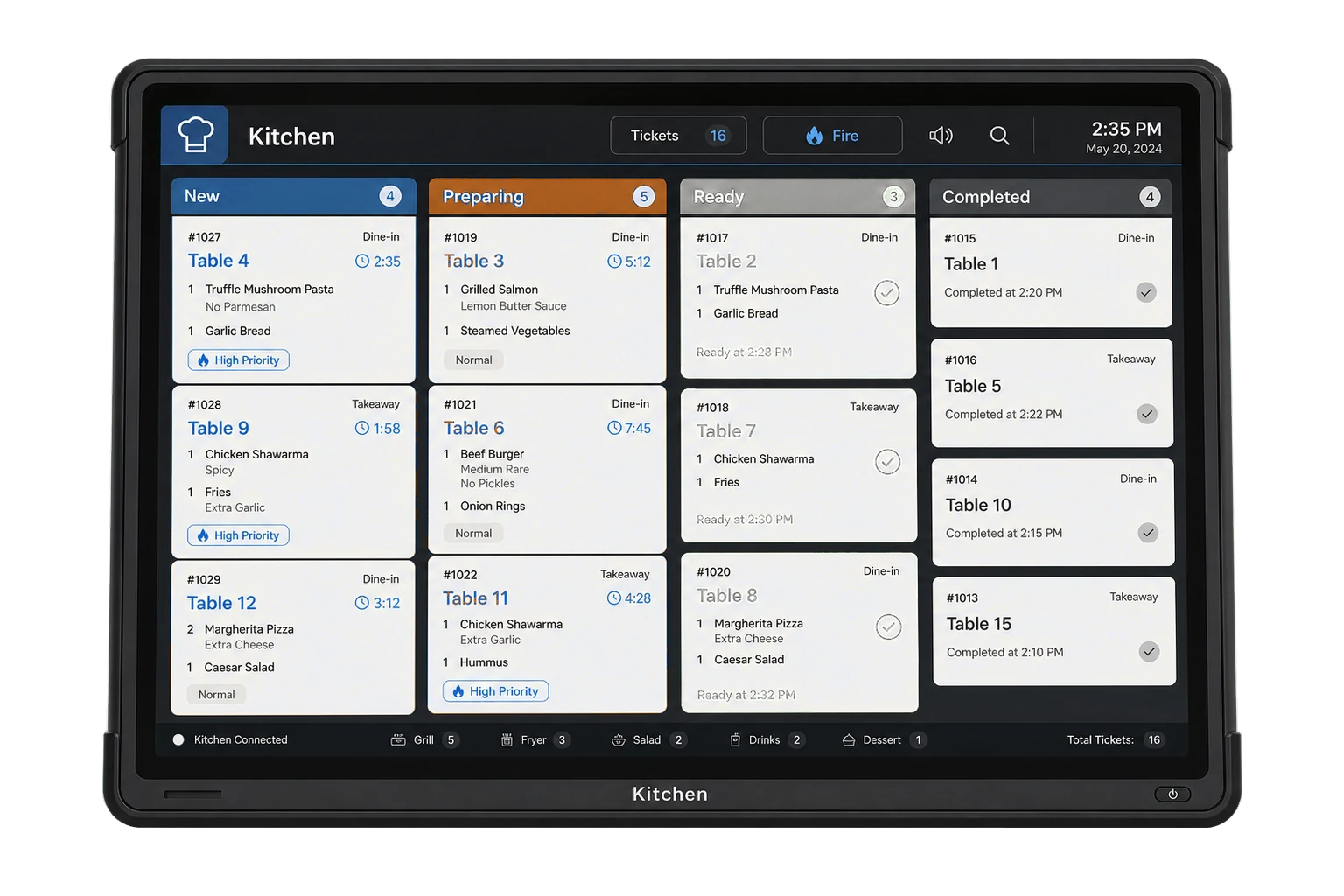
The kitchen display on a wall mounted screen, showing order tickets moving through New, Preparing, Ready and Completed lanes with a timer on each.
Available on
  • Web browser
  • Any tablet or monitor

Every product is included in every plan. No modules, no upgrades.

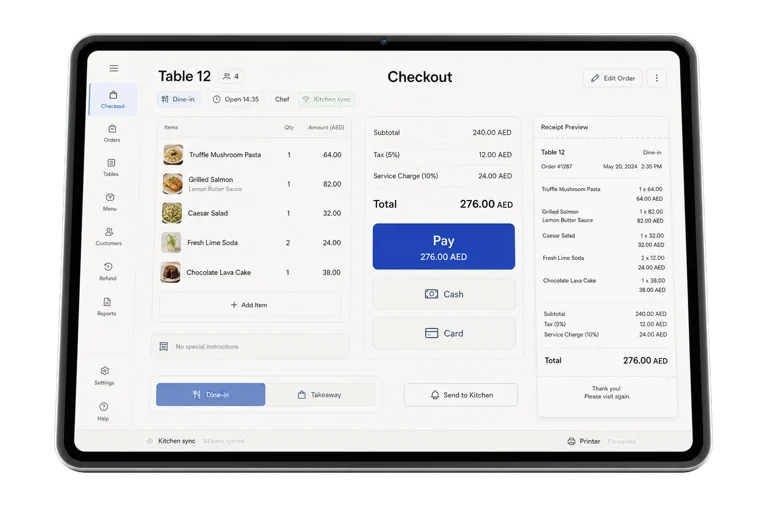
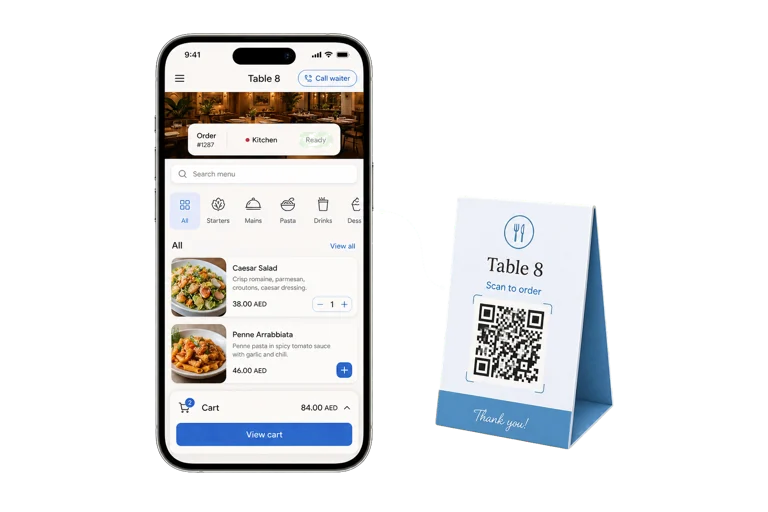
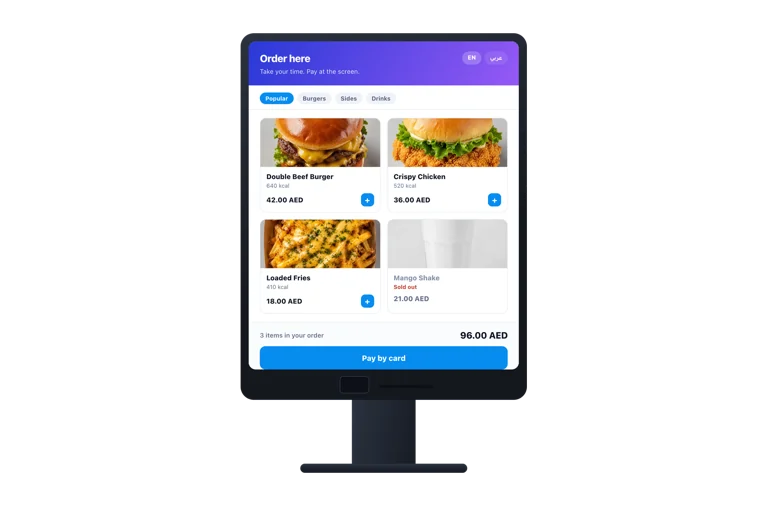
Wink Kitchen replaces the ticket printer with a screen. Orders arrive live from the till, the QR menu, the kiosk and the online store, and are routed to the station that prepares them, so the grill sees grill items and the bar sees drinks. Each ticket carries its age, so anything sitting too long is visible from across the room, and bumping an item tells the floor it is ready.
What you get

  • Tickets arrive in realtime, not on paper.
  • Each station sees only what it has to make.
  • A ticket that has waited too long is visible from across the kitchen.
  • Bumping an item tells the floor and the customer it is ready.
  • Runs on any screen with a browser, including a cheap tablet.
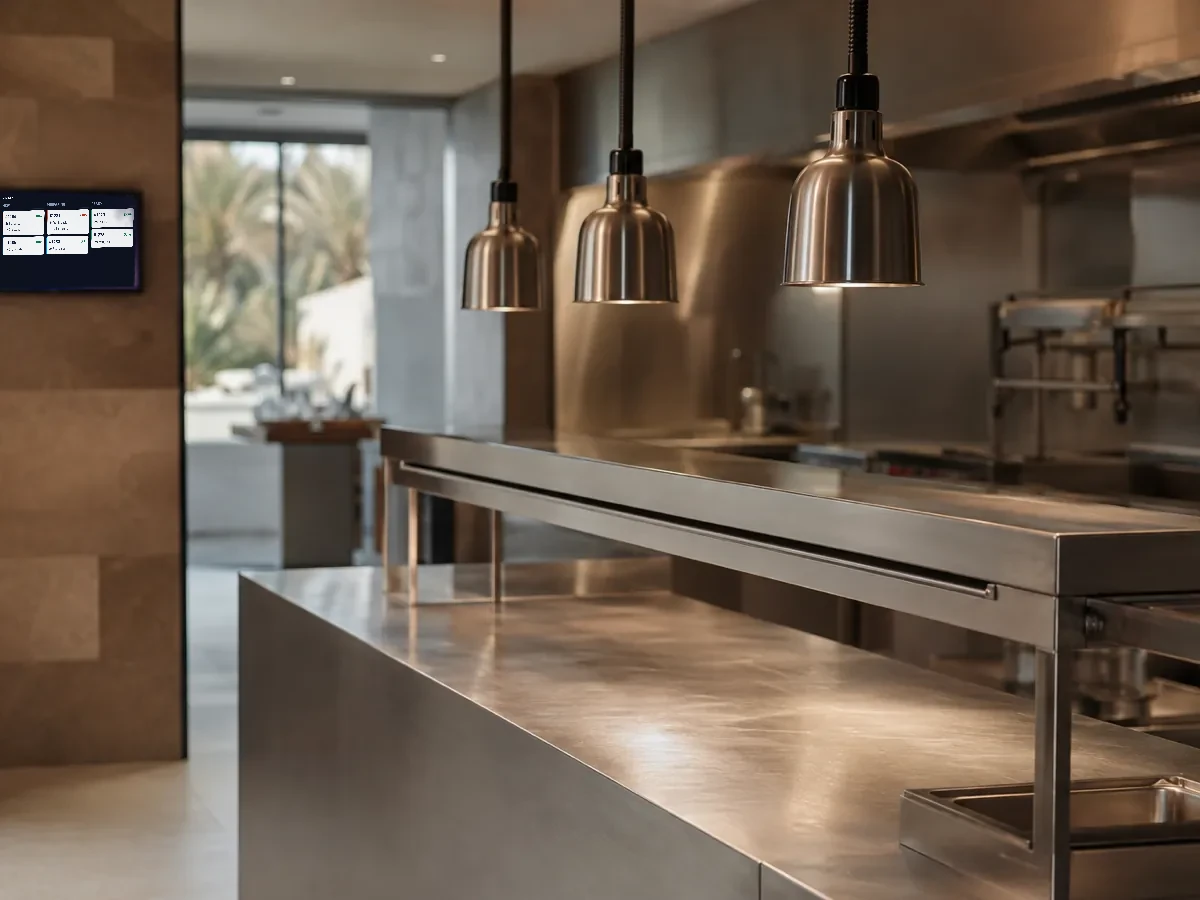
A clean stainless steel kitchen pass with heat lamps above and a screen at the edge of frame.
Everything in Wink Kitchen, all 14

The board

  • Configurable lanes and columns per station
  • Ticket cards with items, modifiers and notes
  • Order age and prep time on every ticket
  • All-day view aggregating identical items
  • Bump an item or bump the whole ticket
  • Status transitions written back to the order

Routing and stations

  • Assign each product to a kitchen station
  • Separate boards for grill, cold, bar and pass
  • Per-branch station configuration
  • Kitchen ticket printing alongside the screen

Realtime and reliability

  • Edge realtime transport with a socket fallback
  • New order sound alerts
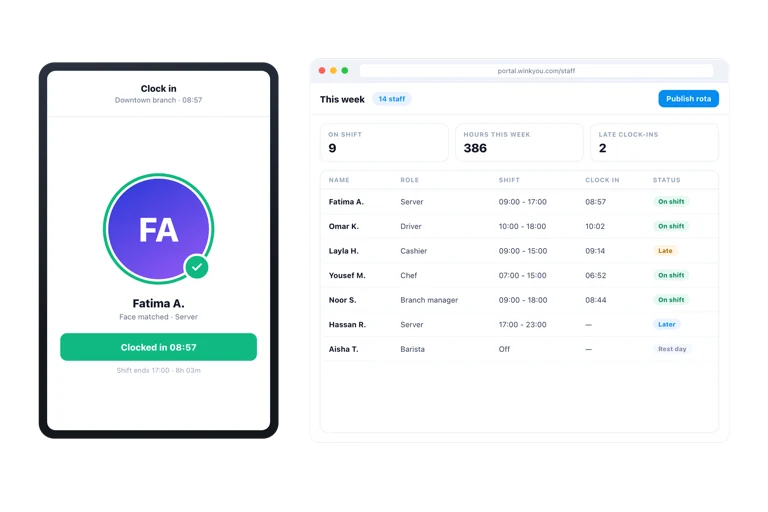
  • PIN login and device setup shared with the POS
  • Arabic and English, with the local item name

Wink Kitchen questions

Can I still print tickets as well?

Yes. The screen and the printer are not exclusive, so you can run both while the team gets used to the display, then drop the paper when you are ready.

What happens if the screen loses connection?

It reconnects on its own and pulls anything it missed, so a dropped ticket cannot go unseen because a tablet slept or the network blinked.

Ready to see how it works?

Contact us and we will show you a demo that fits your restaurant or shop. No commitment.

Contact

Tell us what you run

Send a message or reach us on WhatsApp. We will show you the right setup for your restaurant or your store.


Email Address
info@winkyou.com
Based in
UAE, serving the GCC