Every product is included in every plan. No modules, no upgrades.
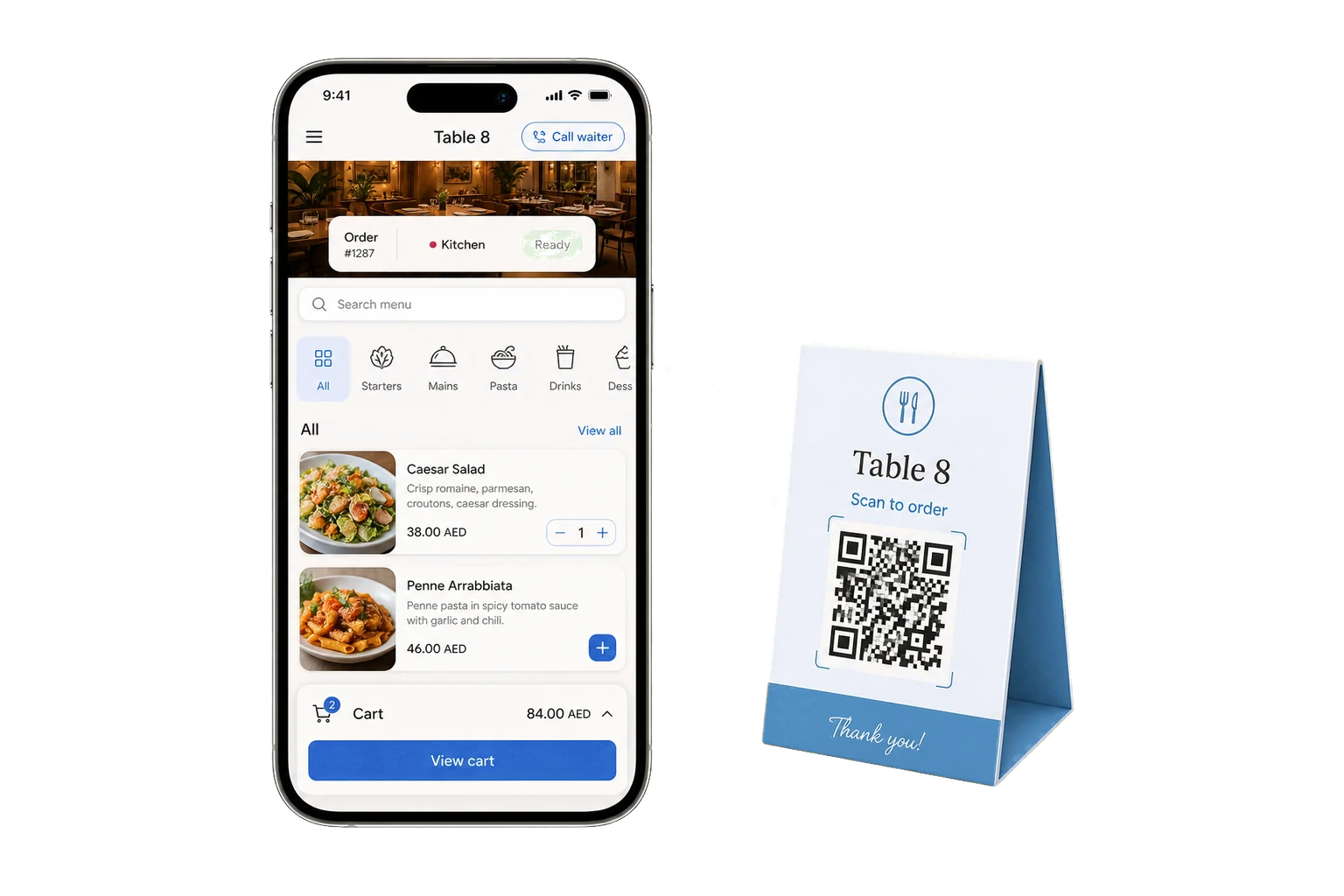
Wink Menu is the page a guest lands on after scanning the code on the table. It shows your live menu in English or Arabic with photos, prices, allergens, calories and tags, hides anything that is out of stock, and lets the guest order straight to the kitchen if you turn ordering on. It also carries the floor: table assignment, reservations, the waitlist, and the call-waiter button.
What you get
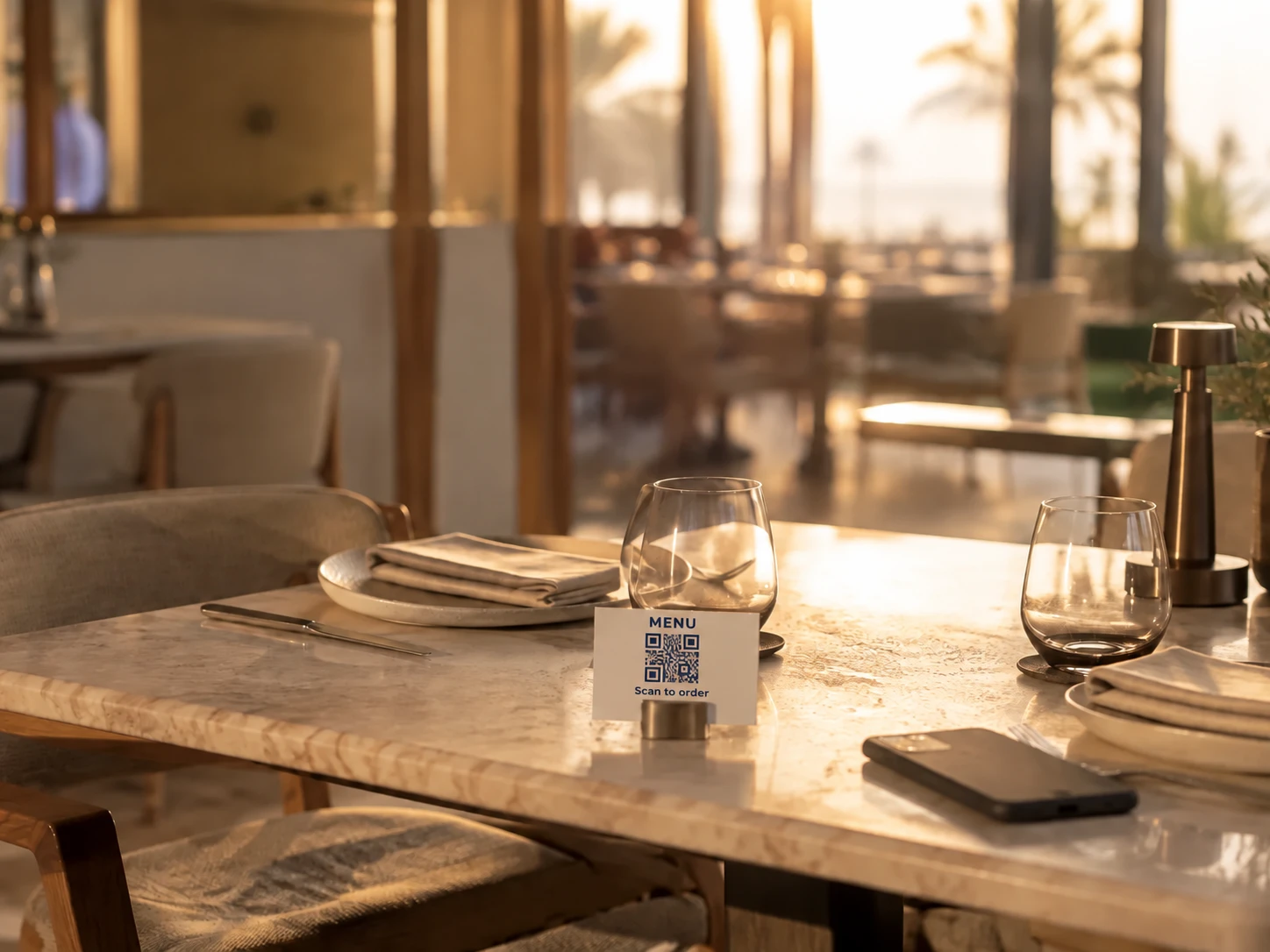
No app to download. The camera opens it.
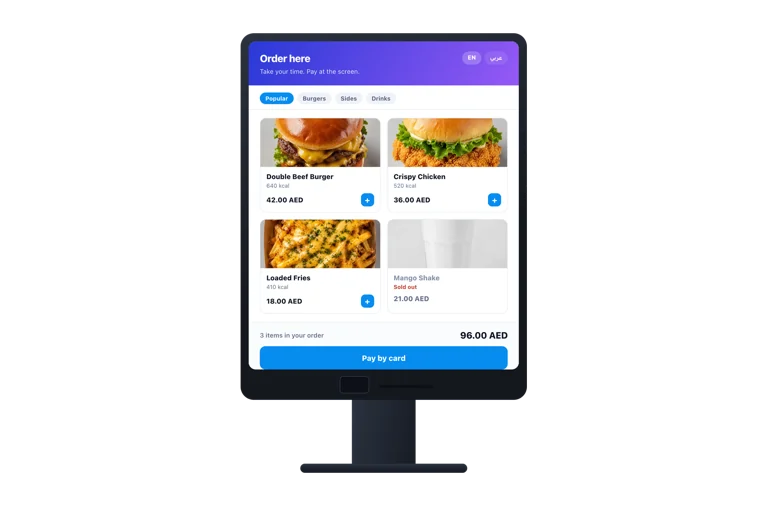
Menu, prices and stock are live, so a sold-out dish disappears at once.
English and Arabic, with the layout flipping to match.
Guests split a bill between them and pay their own share.
Reservations and a waitlist, so the door is managed too.
Everything in Wink Menu, all 40
Browsing the menu
Categories, category nav bar and search
Product cards with image swiper
Full item view with modifiers and add-ons
Allergen icons, calories and nutrition
Combo meals with their own detail view
Menu tags such as spicy, new or vegetarian
Branch selector for multi-branch menus
Display currency picker with live rates
Ordering and paying
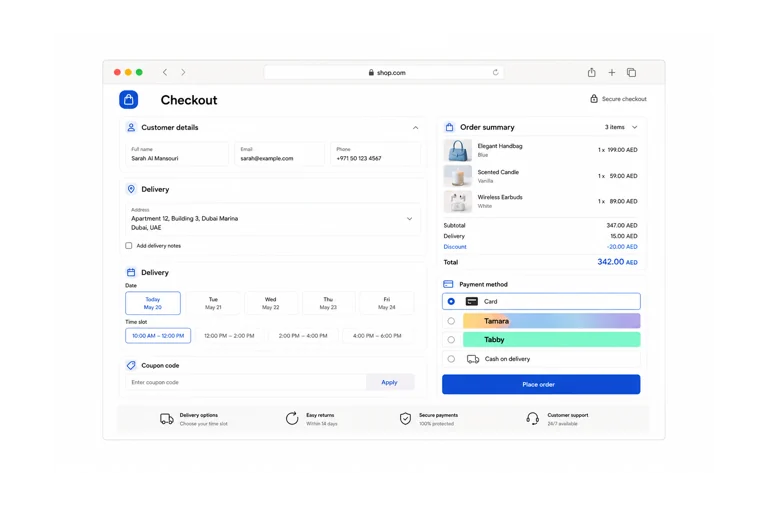
Cart drawer with a floating cart button
Checkout with phone entry
Online payment with live status
Car plate ordering for curbside and drive-thru
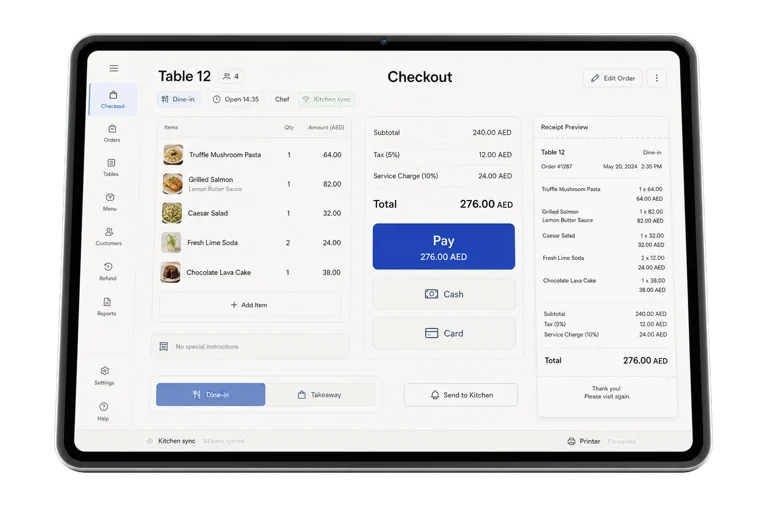
Table bill view, split and settle
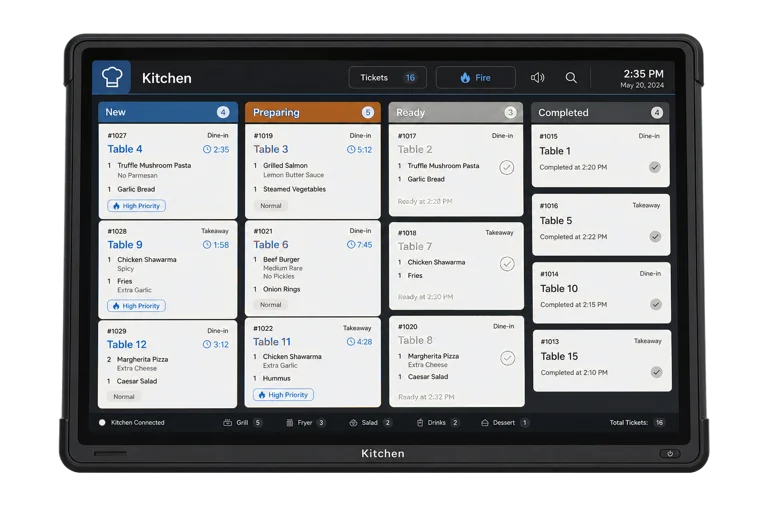
Live order tracking with a status dialog
Last order recall for a returning guest
Service from the table
Call a waiter button
Book a table from the menu
Join the waitlist and watch your position
Post-order feedback and ratings
Loyalty sign-up from the menu
Merchandising
Banner carousel and promo popups
Stories, the tappable bubble format guests know
Menu presets and theming to match your brand
Your own subdomain or custom domain
Floor and tables
Visual floor plan editor with drag placement
Multiple floors and areas per branch
Table sessions accumulating rounds into one bill
Move, merge and split a table bill
Per-table QR codes that open the right table
Reservations
Reservation calendar in the admin
Bookings taken from the QR menu
Bookings taken at the POS
Confirmation, reminder and cancellation emails
Party size, time and special request notes
Waitlist and service calls
Guests join the waitlist from their own phone
Live queue position for the guest
Table ready notification
Live Activity on iPhone showing the position on the lock screen
Waiter call alerts on POS and admin
Catering order management
Wink Menu questions
Do guests need to install anything?
No. The code opens a web page in the phone’s browser. There is no app, no account and no sign-up before somebody can read the menu.
Can I use it as a menu only, without ordering?
Yes, and that is the default. Ordering, feedback and the call-waiter button are separate switches you turn on when you want them.